
Digital Asset Management Software
Most DAMs know what you’ve made.
Ours knows what to make next.
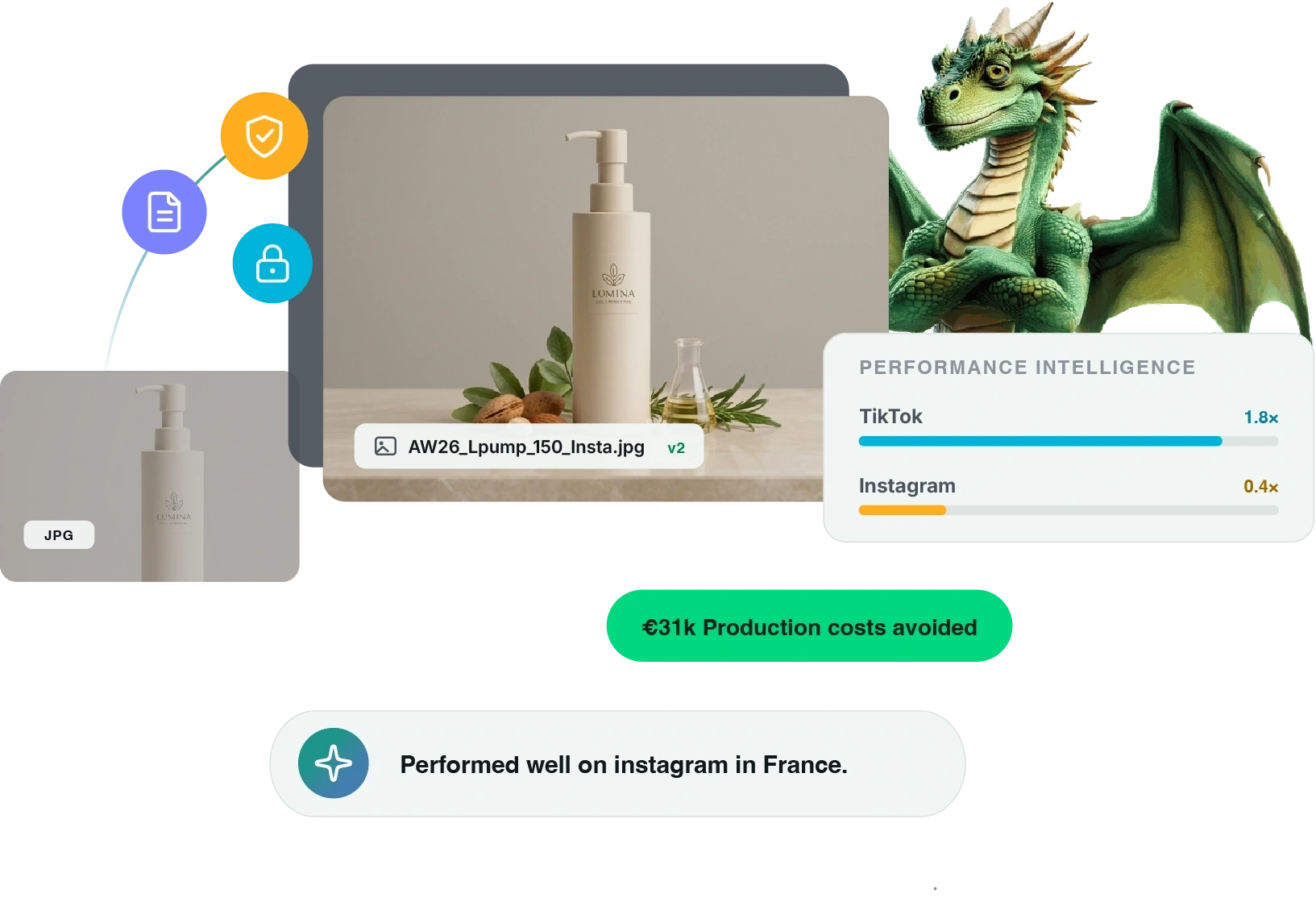
Screendragon connects the asset with briefs, workflows, approvals, rights, and the results around them. Turning your content library into a source of intelligence your team can actually use.
AI-Powered Digital Asset Management
AI can make more content.
That may not be good news.
Before AI makes another 10,000 assets, it should probably understand the last 10,000.
Use AI to understand the context, enrich, and discover content at scale, while maintaining human oversight and enterprise governance.
Extend intelligence into briefing, proofing, compliance and workflow automation to accelerate the work surrounding every asset.
Don’t use AI to make the mess bigger. Use it to make better decisions.
Content Intelligence & Digital Asset Management
Turn what you know into what comes next.
Use the knowledge in your content library to make better decisions before work begins.
Understand What Exists
See the content, metadata, and context already available across your organisation.
Define the Need
Use existing content and insights to shape requirements and inform the brief.
Choose the Right Path
Identify whether to use existing content, repurpose or create something new.
Build on What Works
Apply content knowledge and insight to future briefs, searches, and decisions.
DAM Workflow Automation
The asset isn’t the interesting bit.
Connecting the entire content lifecycle is.
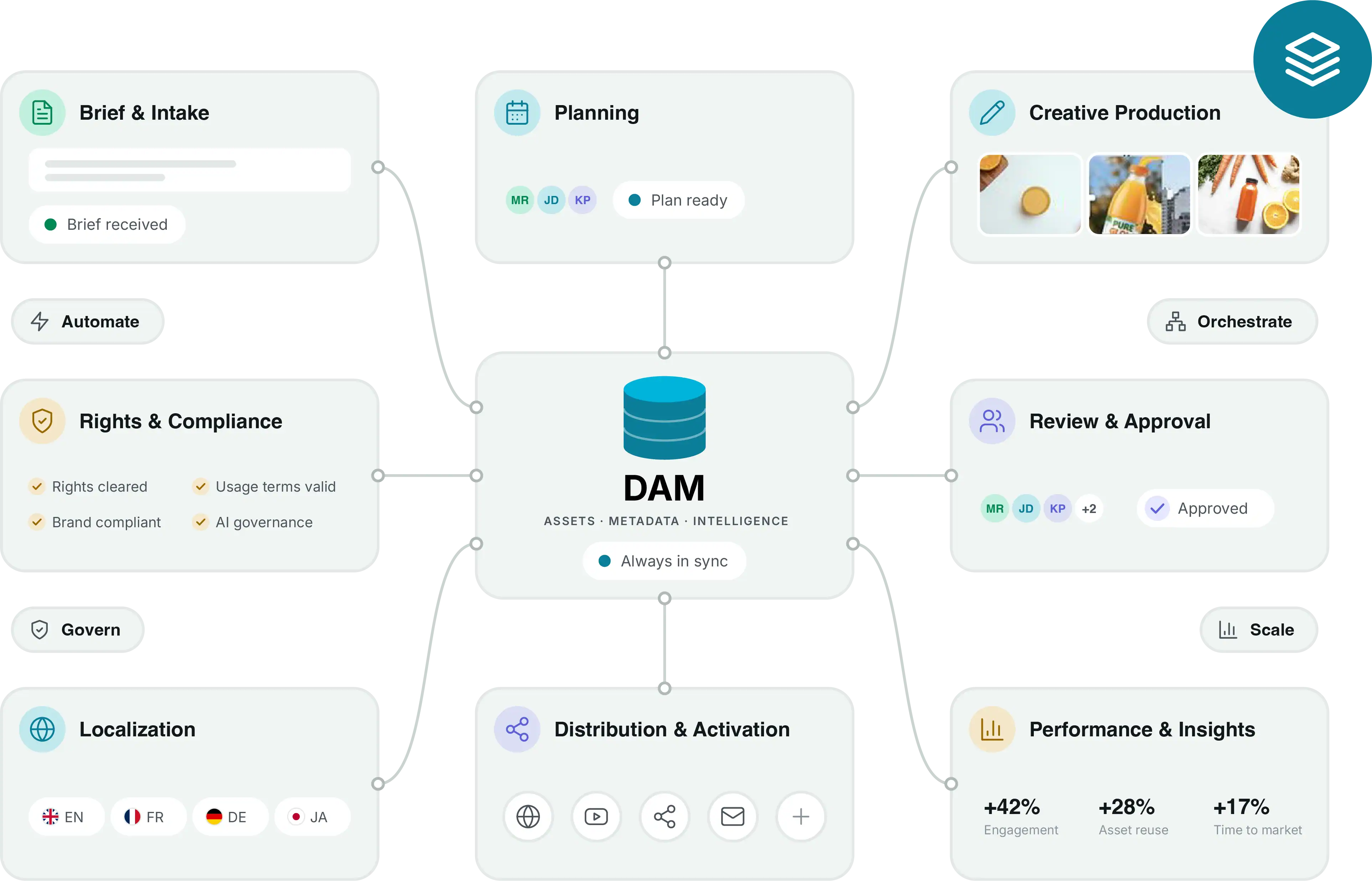
Move seamlessly from content need to production and activation with workflows connecting every stage of the process.
Inform and Plan
Connect business strategy, market understanding, and past performance to shape campaign plans.
Brief & Create
Turn requirements into structured workflows for planning, production and collaboration.
Review & Approve
Build brand, quality, legal and compliance checks directly into the process.
Manage & Govern
Keep finished assets organised, controlled and ready for use.
Activate & Learn
Deliver content to market and use new insight to shape future decisions.
EyePromise
“With Screendragon, our team is able to easily and quickly find the latest and greatest assets, expediting the time between search and sale. With each person having their own way of referring to pieces, the AI search feature has been an enormous help. The team is happy, and so are we!”
EyePromise
Get content to market, understand what worked and apply it to what comes next.

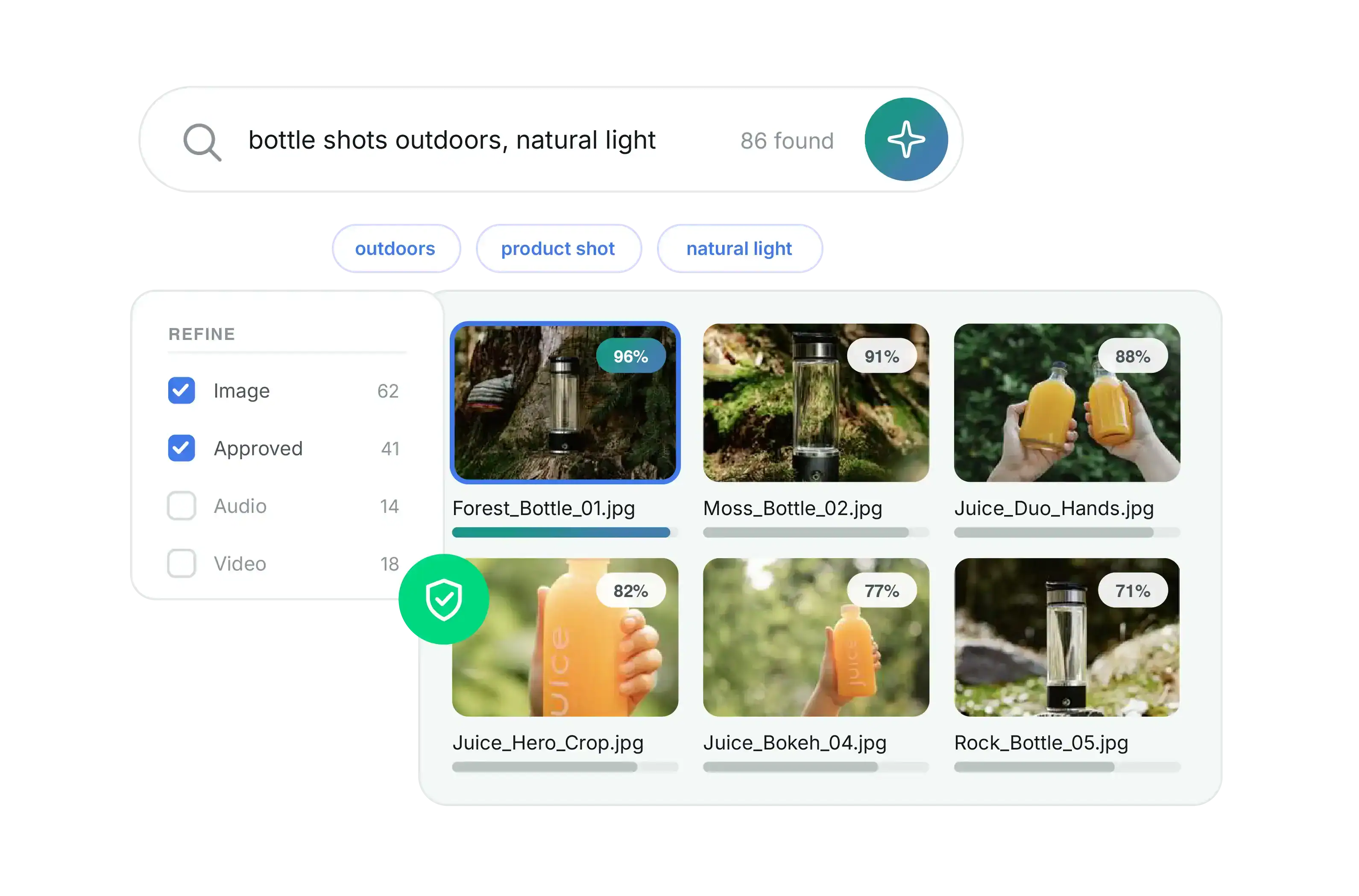
AI-Powered DAM Search
“I know we have made something like this before?”
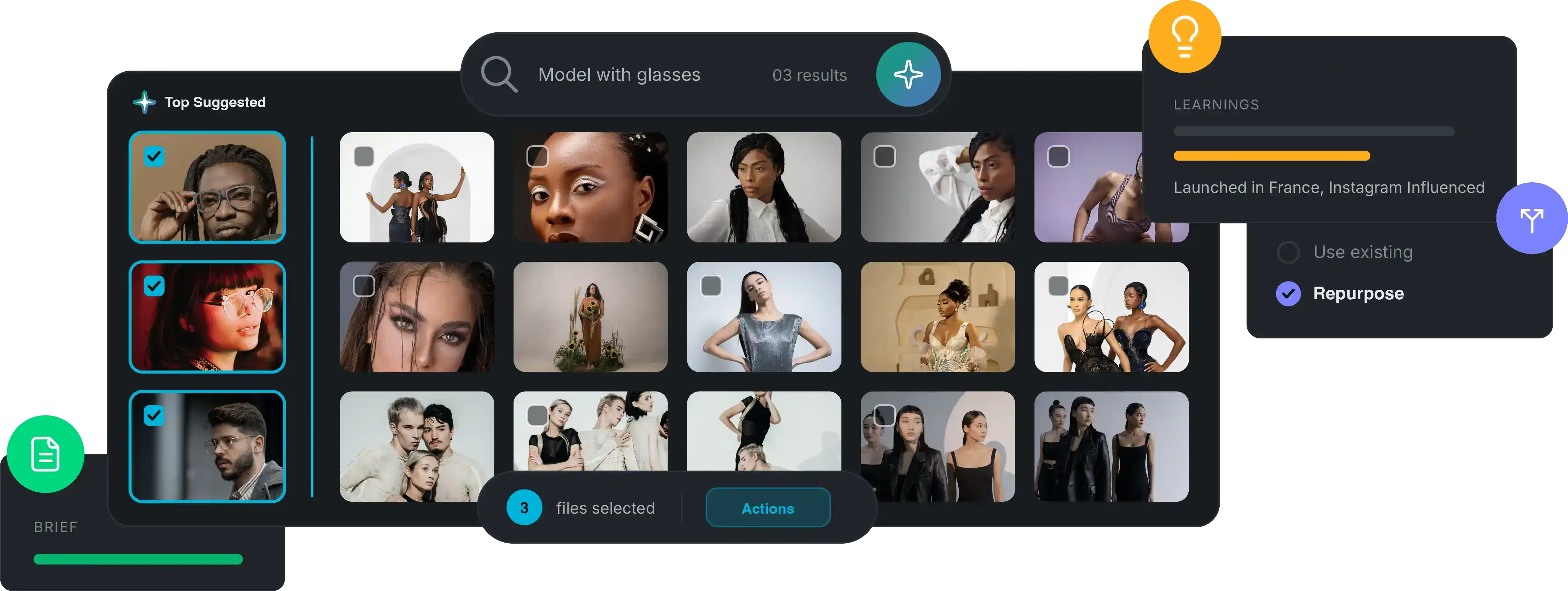
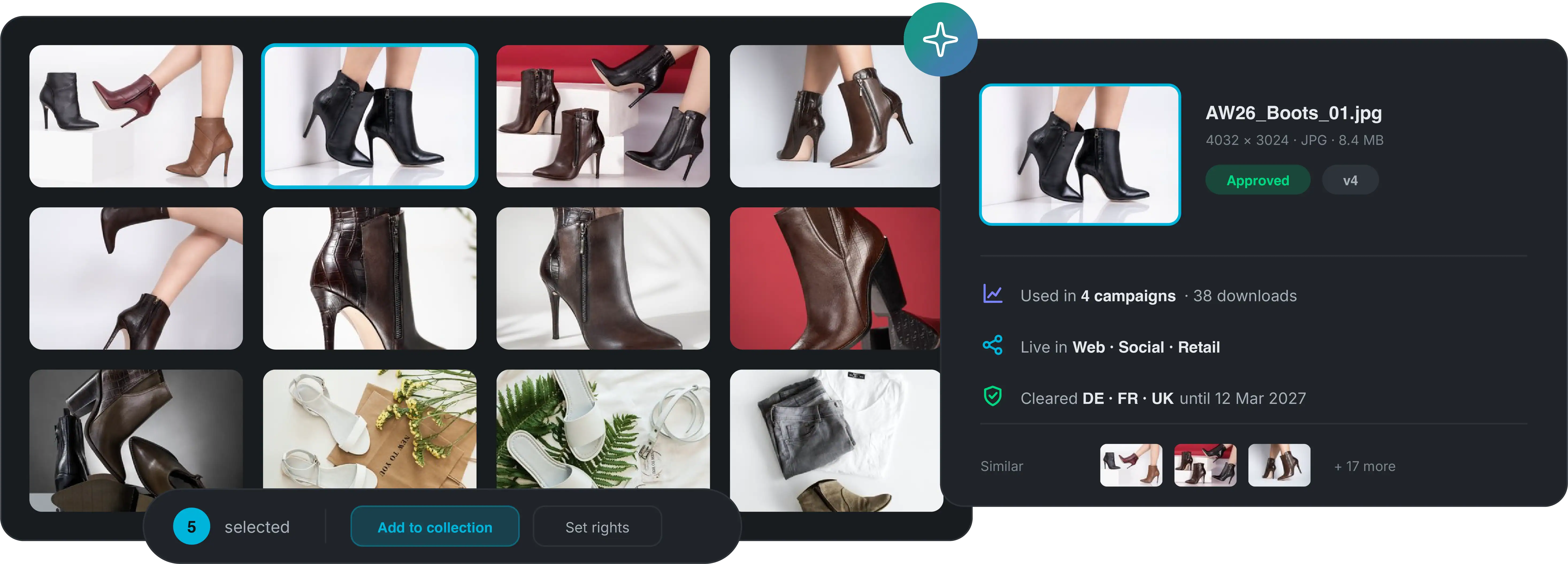
Understand what’s inside your content and surface what’s relevant with intelligent search and AI-powered discovery.
Understands
AI tagging & enrichment
Natural-language search
Visual similarity
OCR & content recognition
Metadata & taxonomies
Filters & collections
See Screendragon in action.
Connect work, content, and performance end to end.
Content Governance & Digital Rights Management
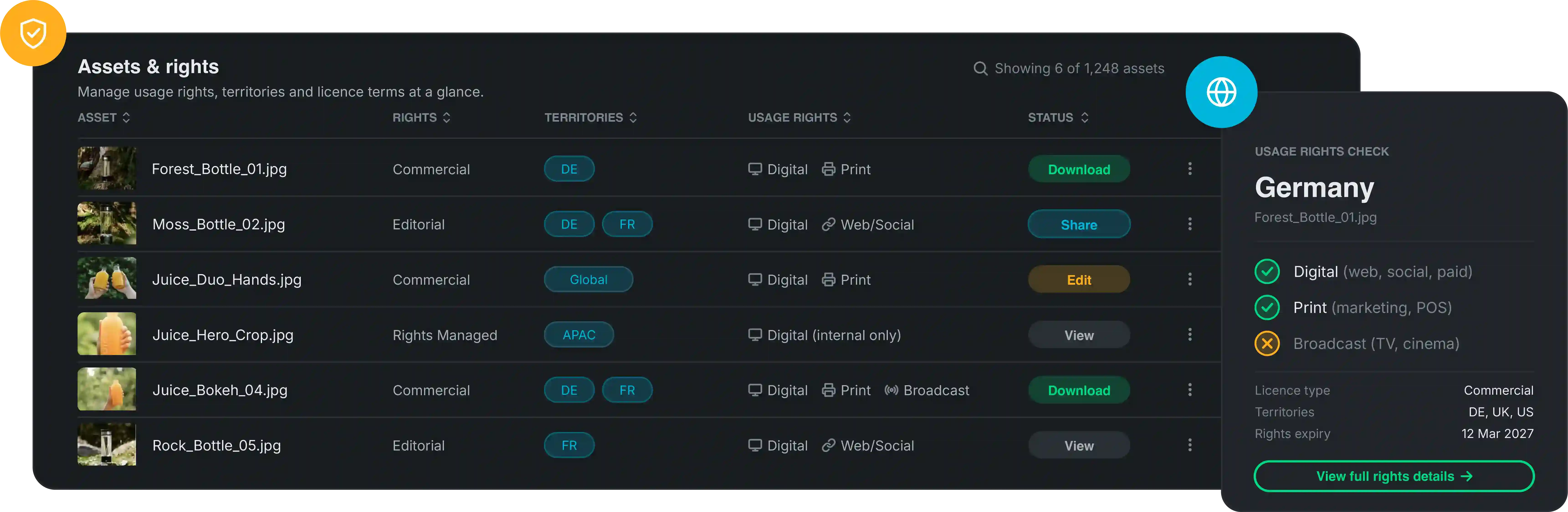
An asset is only useful if you know you can use it.
Found it? Great now can we use it in Germany?
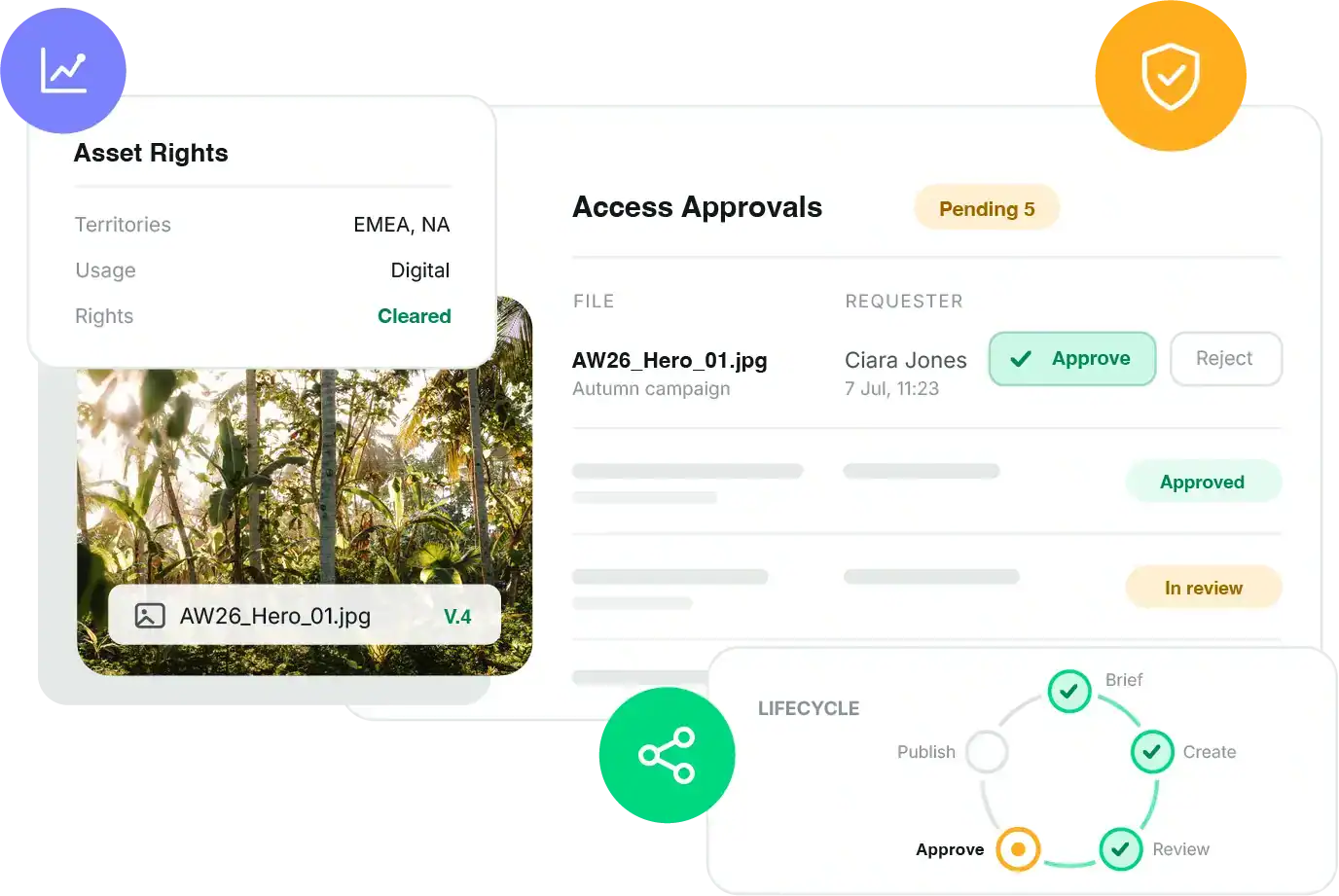
Maintain control over content as it moves across teams, markets, audiences and channels.
Quality & Approval
Ensure content meets the right brand, legal, and compliance standards.
Rights & Usage
Manage where, when, and how content can be used.
Permissions & Access
Control who can access, manage, and distribute assets.
Versions & Provenance
Keep track of what changed and what was approved.
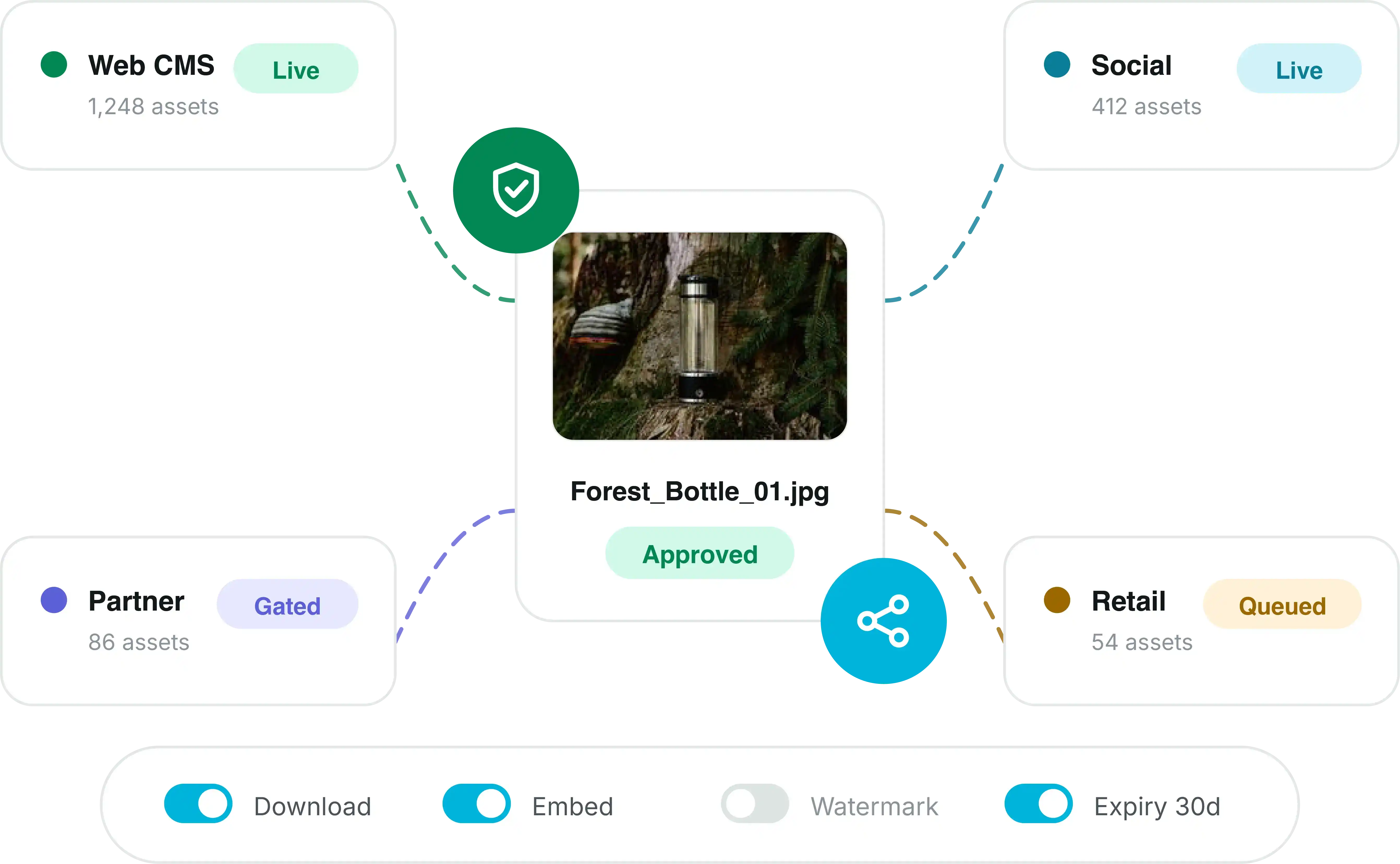
Digital Asset Distribution
It’s approved. It’s final. Now get it to the right people.
Digital Asset Management Features
Enterprise DAM without compromise.
Manage
- Metadata
- Taxonomies
- Collections
- Versioning
- Lifecycle controls
- Bulk management
Discover
- AI enrichment
- Natural-language search
- Visual similarity
- OCR
- Faceted search
- Related content
Govern
- Rights management
- Territory controls
- Permissions
- Approval status
- Expiry
- Provenance & audit
Activate
- Controlled sharing
- Gated downloads
- Format templates
- CDN delivery
- Channel controls
- Syndication & APIs
Enterprise DAM Software
So why is this DAM different?
Upstream
It shows up before the asset does.
Use what you already know to inform the brief before you spend money making something new.
Connected
It knows the asset isn’t the whole story.
Keep content connected to the work, decisions, approvals and rights around it.
Controlled
It doesn’t confuse “found it” with “can use it.”
Governance travels with the content.
Compounding
It learns.
Feed what happened last time into what you decide to do next.
Screendragon is where better content decisions start.

DAM Integrations
Your DAM doesn’t work in isolation — neither should your teams.












DAM for Content Operations
DAM at the heart of Content Operations.
Get Started
See Screendragon in action.
FAQs
Digital Asset Management FAQs
Digital asset management software helps organisations organise, find, manage, govern and distribute digital content across teams, brands, markets and channels.
Screendragon extends DAM across the wider content lifecycle, bringing content intelligence, asset management and workflow together to inform decisions before, during and after production.
Screendragon brings existing assets, metadata and content insight into the planning process, helping teams assess what’s already available and inform what needs to happen next.
AI helps enrich, understand and discover content through automated tagging, natural-language search, OCR and visual similarity, with human oversight and governance built in.
Screendragon combines content quality and approval processes with rights, permissions, versions and provenance to maintain control throughout the content lifecycle.